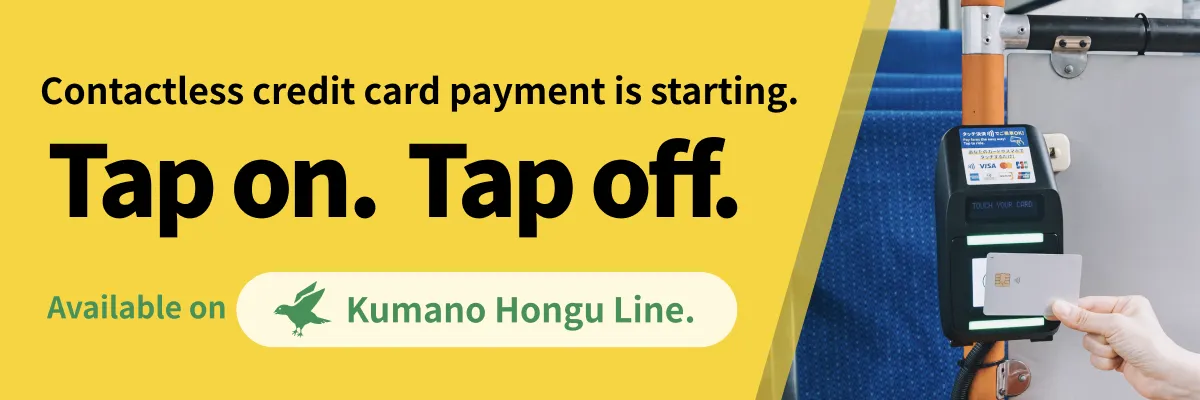


Contactless credit card payment is starting.
Tap on. Tap off.
Starts September 19, 2026.
Available on
Kumano Hongu Line.
- No sign-up
- No top-up
- Tap with your phone
Tap to ride.
Contactless payment
Just hold your credit card, debit card or prepaid card near the reader when you board and when you get off. You can also use a smartphone or wearable device that has one of those cards added to it. No change to break, no boarding ticket, no sign-up in advance, and no PIN to enter.
※Cash and PayPay payments are still accepted.
Cards you can use
Look for this symbol
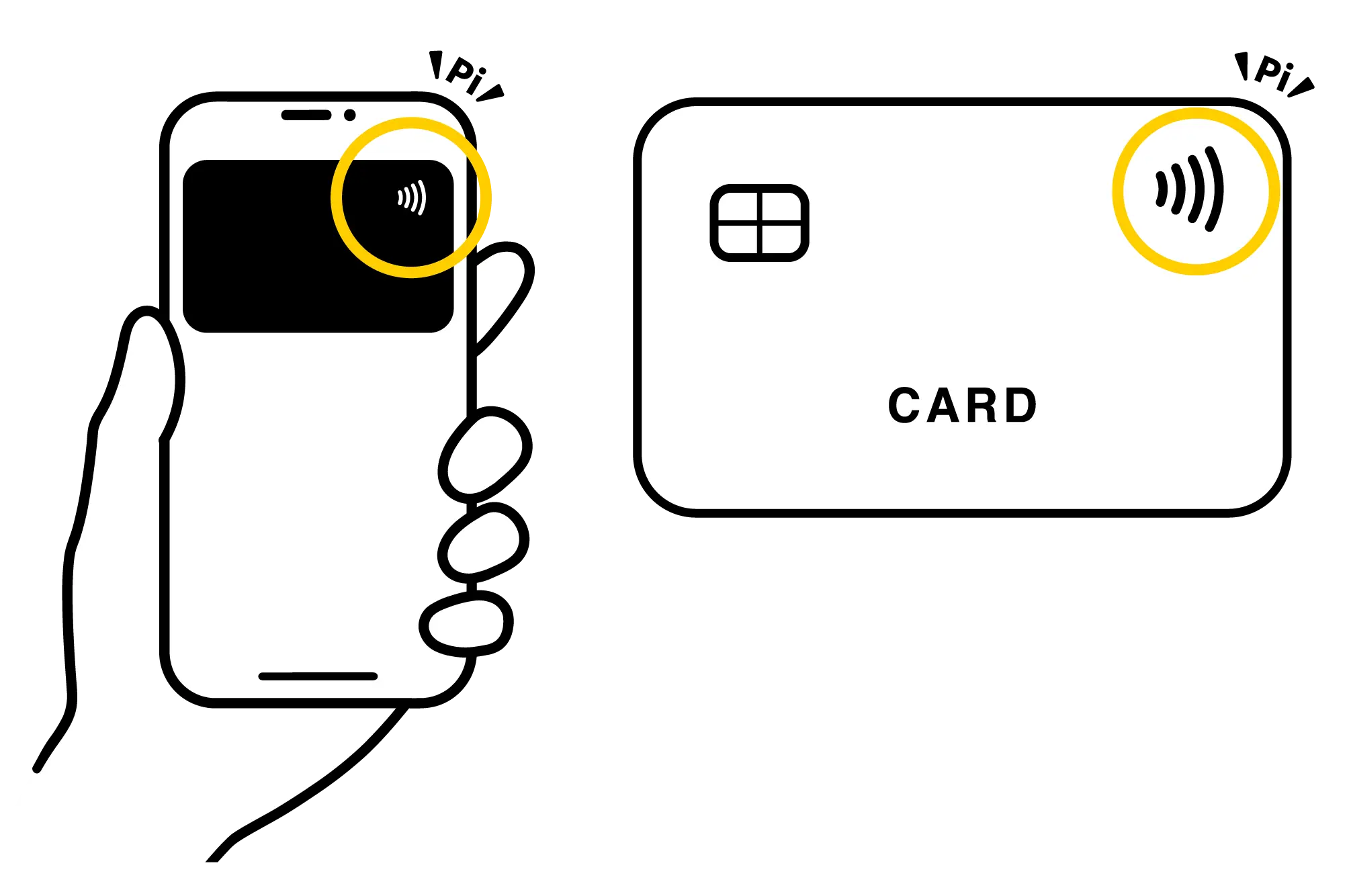
We accept the following
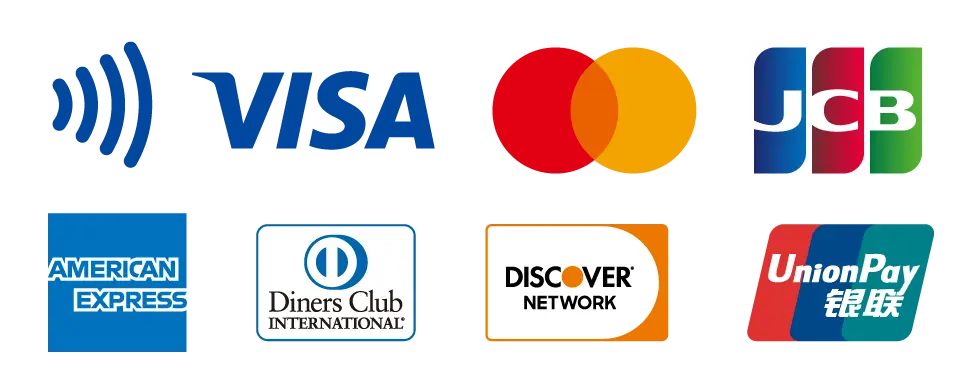
- Visa
- Mastercard
- JCB
- American Express
- Diners Club
- Discover
- UnionPay
Please note
The only payment methods you can use by tapping the card reader are credit cards, debit cards and prepaid cards. You can also use a smartphone or wearable device that has one of those cards added to it.
IC transit cards such as Suica and PASMO, electronic money such as WAON, nanaco, Rakuten Edy, iD and QUICPay, and QR code payments such as PayPay, Rakuten Pay and d Payment cannot be used.
 Paying by scanning a PayPay QR code is still available as before.
Where you can use it
Kumano Hongu Line
How to use it
-
When you board
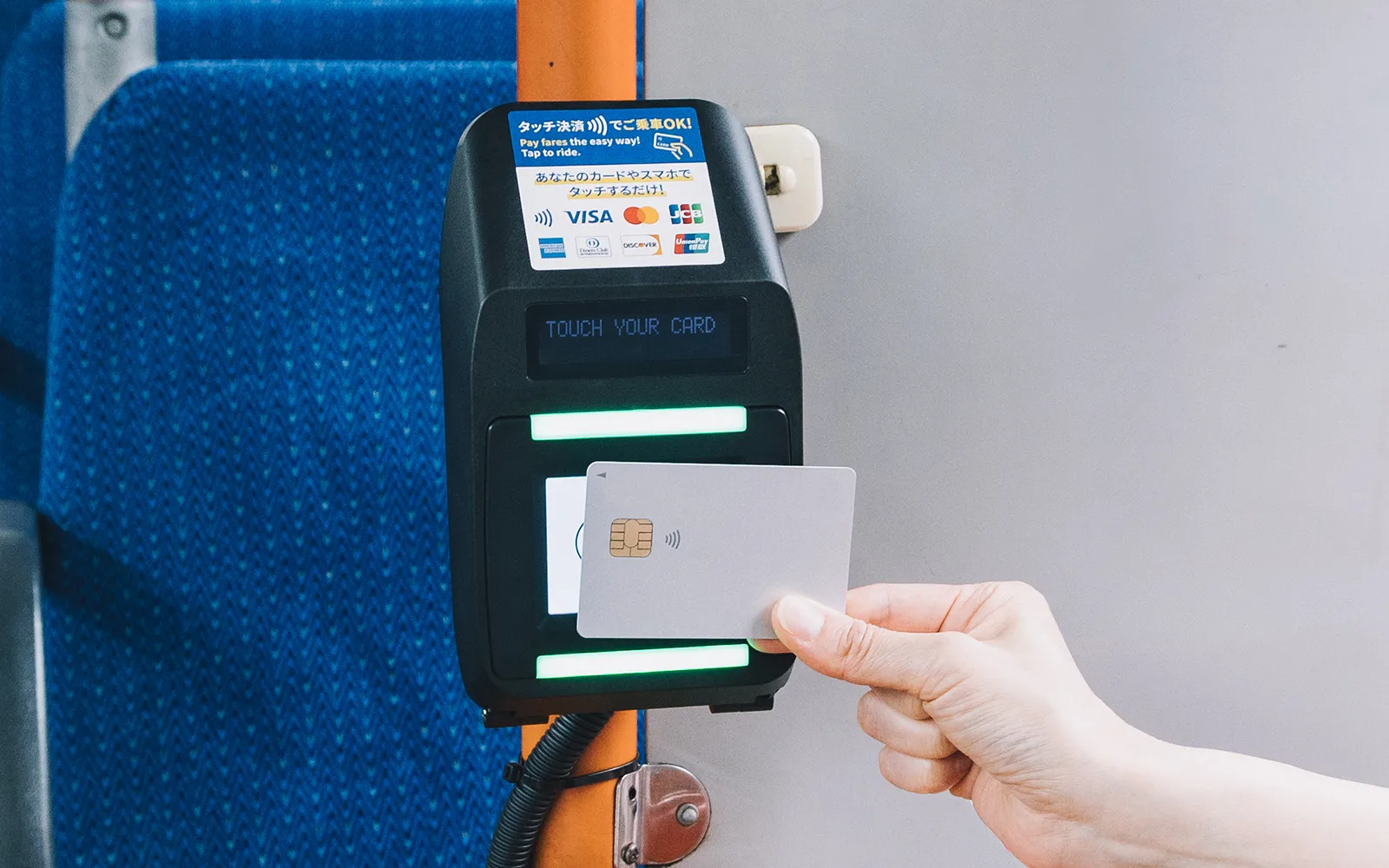
Tap your credit card on the card reader by the boarding door. There is no need to take a numbered boarding ticket.
-
When you get off
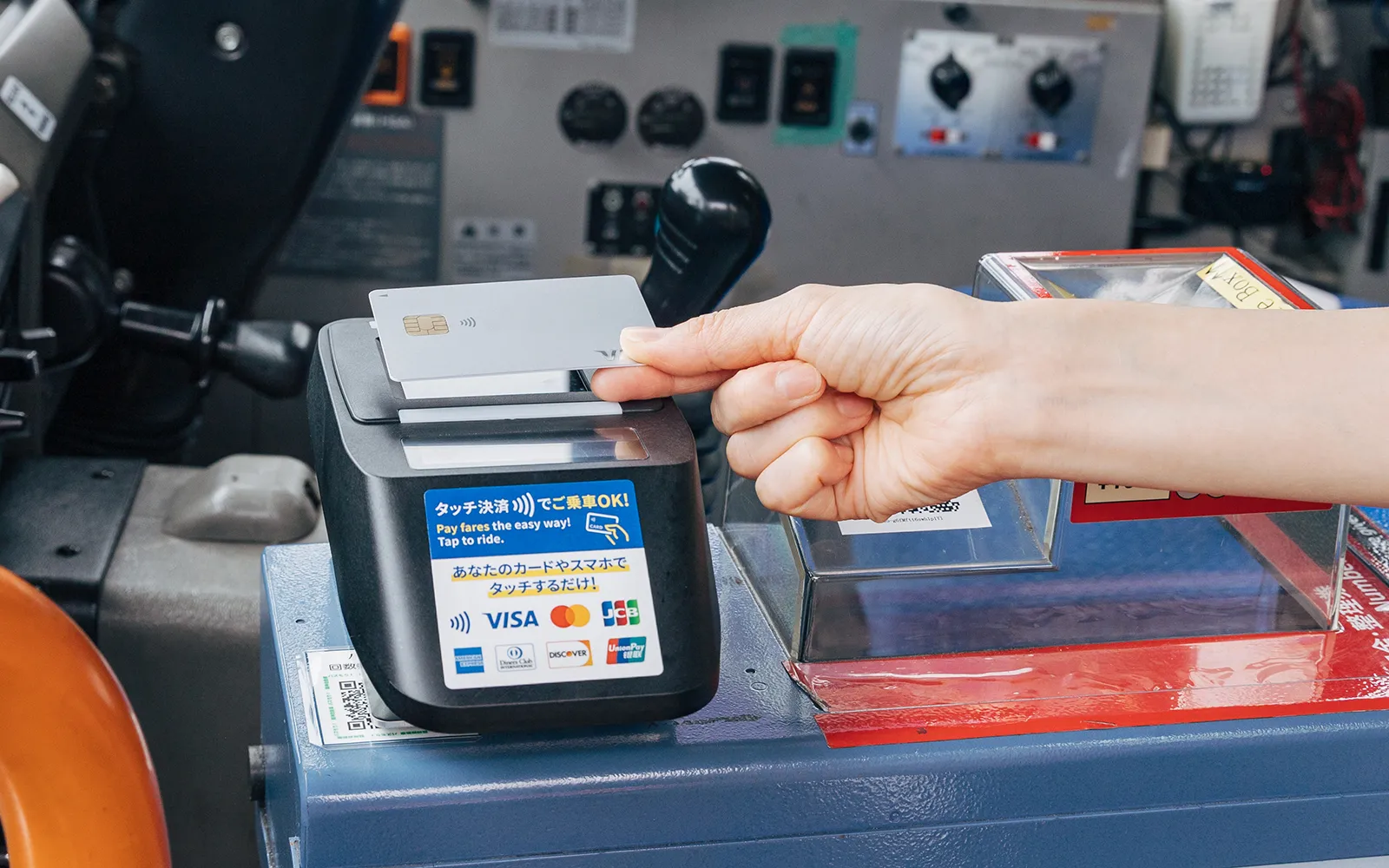
Tap the same card on the card reader on the farebox. The payment details appear on the screen. Once you have heard the payment confirmation sound, you may get off the bus.
- l If the reader shows an error or does not read your card when you board, please take a numbered boarding ticket and pay your fare in cash or with PayPay by scanning the QR code when you get off.
- For child fares and discounted fares for passengers with a disability certificate, Ryoiku certificate or other eligible certificate, tap as usual when you board. When you get off, speak to the driver before you tap. If you are using a discounted fare with a disability certificate or Ryoiku certificate, please show your certificate or the Mirairo ID app to the driver.
- Paying for more than one passenger with the same card: tell the driver when you get off, before you tap the reader on the farebox.
Checking your travel history
You can view your boarding and alighting history for contactless fares on Q-move, a service operated by QUADRAC Co., Ltd.
※Registration is required. ※For details, please see the Q-move website (https://q-move.info/).
FAQ
- How do I ride using a credit card?
-
There is no need to take a boarding ticket. Tap your card firmly on the reader when you board, and tap again when you get off.
- Which credit cards can I use?
-
Contactless-enabled cards from Visa, Mastercard, JCB, American Express, Diners Club, Discover and UnionPay. Some cards from these brands may still not work. Please ask your card issuer whether your card can be used for contactless payment on public transport.
- Can I use a credit card that is not contactless-enabled?
-
No.
- Can I pay a child fare or a disability discount fare with contactless?
-
Yes. Tap the card you want to pay with when you board. When you get off, speak to the driver before you tap.
If you are using a disability discount fare, please show your certificate or the Mirairo ID app to the driver. Once the driver has set the fare, tap your card to pay.
- Can I pay for more than one passenger with one card?
-
Yes. Tap your card firmly on the reader when you board, and tell the driver that you are paying for more than one passenger when you get off.
- My card gives an error when I tap and the payment will not go through.
-
There may be a problem with the card itself. Please contact your card issuer. Please pay your fare in cash.
- What if I forget to tap when I board?
-
You will get an error when you get off. Please tell the driver which stop you boarded at.
※The driver will register the stop, and you can then pay by contactless.
- Can I combine contactless with cash or another payment method?
-
No. A single fare cannot be split across payment methods.
- Can I board with my credit card and get off using a smartphone that has the same card added to it?
-
No. Even with the same card details, you must tap off with the same device you tapped on with. In this case, that means the physical card.
- Can I tap with several cards held together? For instance, contained within a card wallet with multiple other readable cards.
-
No, this causes an error. Please tap with one card only.
- Can I check my travel history?
-
Yes, from My Page on the Q-move site operated by QUADRAC. Registration is required. History may take a day or more to appear.
Contact
Ryujin Jidosha Co., Ltd.
0739-22-2100 8:30 a.m. – 5:30 p.m., open every day of the year